生成效果
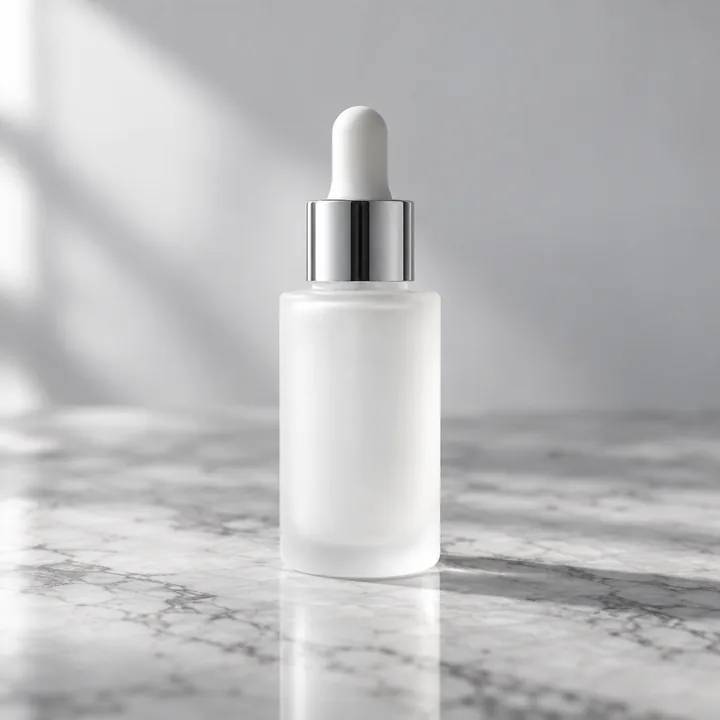
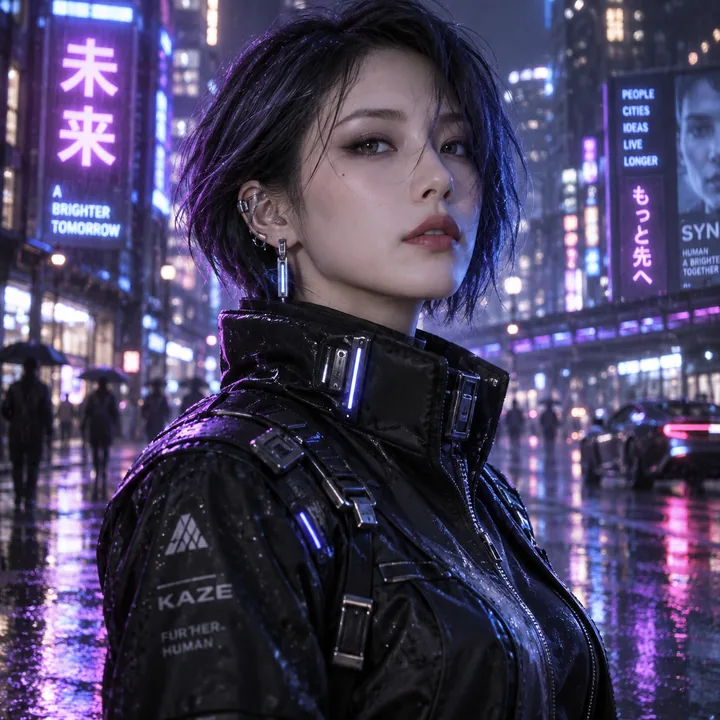
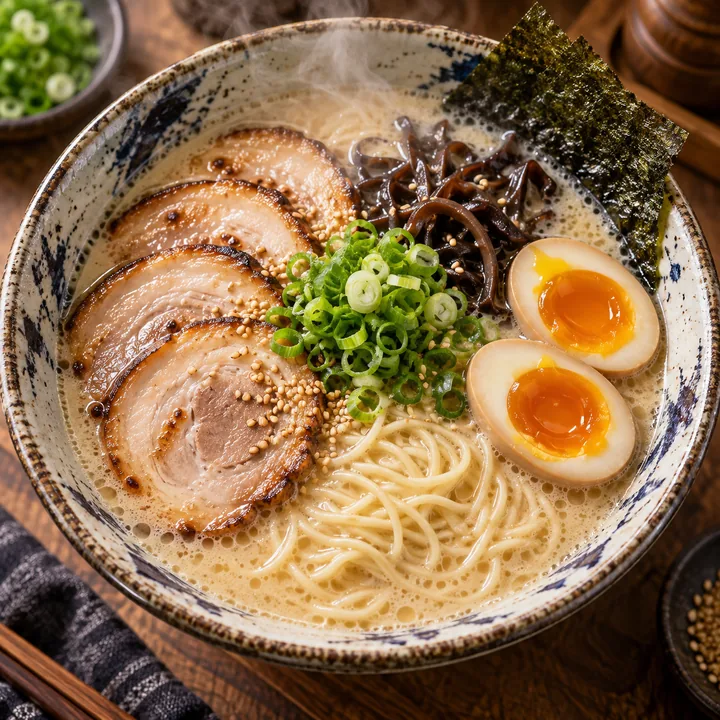
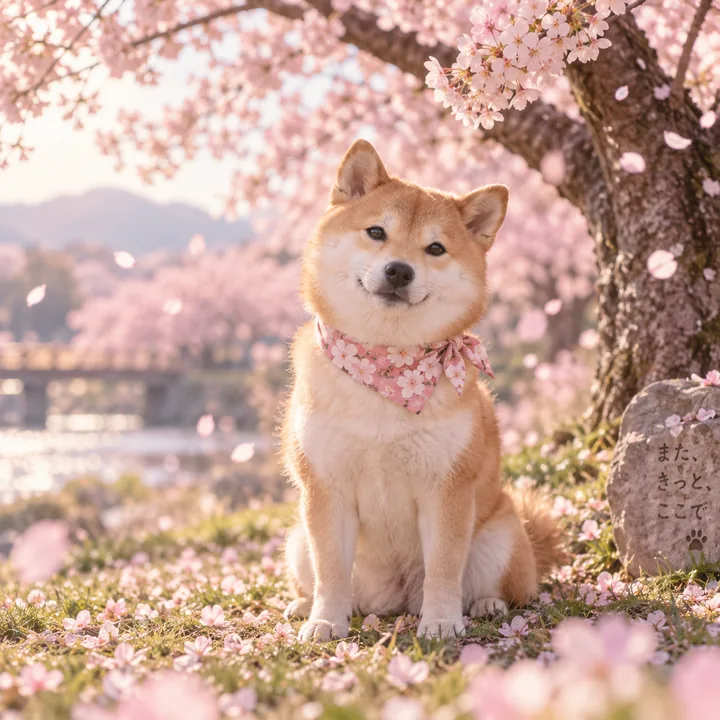
以下 9 张全部由本接口真实生成,未经挑选重跑、未做后期。 每张下方是原始 prompt,可直接复制试用——中文 prompt 同样有效。





为什么用它
面向国内开发者的文字生图接口,接进去就能用
OpenAI GPT Image 模型
c2a-image-1(兼容写 gpt-image-1)
底层为 OpenAI GPT Image 系列,官方 SDK 把 base_url 一换就能跑,字段与官方一致
国内直连
无需海外信用卡
不用配代理、不用办海外卡,微信支付即可开通,服务器在国内也能直接调
多种尺寸
横版 / 竖版 / 方形
覆盖社媒配图、封面、头像等常见比例,返回 b64_json 可直接落库或再加工
即买即用
按月套餐,含固定张数
支付完成自动开通,控制台自助取 Key、随时查剩余张数,不用等审核
三分钟接入
已经在用 OpenAI SDK?把 base URL 和 key 换掉,代码不动
# 文字生图(c2a-image-1)· 直接存成 cat.png
curl -s https://agg-api.code2ai.codes/v1/images/generations \
  -H "Authorization: Bearer sk-agg-xxxxxxxx" \
  -H "Content-Type: application/json" \
  -d '{
    "model": "c2a-image-1",
    "prompt": "一只橘猫坐在木桌上,写实风格",
    "n": 1,
    "size": "1024x1024",
    "response_format": "b64_json"
  }' \
  | jq -r '.data[0].b64_json' | base64 -d > cat.png

# 没装 jq 就用这行(只需要 python3):
#   ... | python3 -c "import sys,json,base64;\
#     open('cat.png','wb').write(base64.b64decode(json.load(sys.stdin)['data'][0]['b64_json']))"

# 图片以 base64 返回(b64_json),不是直链 URL——去掉上面的管道
# 就会看到一整坨 base64 刷屏,那是正常的,解码后才是 PNG。

# ---------- 参考图编辑(图生图)----------
# 传一张图 + 说明要改成什么,构图和光影会被保留
curl -s https://agg-api.code2ai.codes/v1/images/edits \
  -H "Authorization: Bearer sk-agg-xxxxxxxx" \
  -F "model=c2a-image-1" \
  -F "[email protected]" \
  -F "prompt=把这个苹果改成青苹果,构图和光影保持不变" \
  | jq -r '.data[0].b64_json' | base64 -d > out.png
# pip install openai
from openai import OpenAI
import base64

client = OpenAI(
    base_url="https://agg-api.code2ai.codes/v1",
    api_key="sk-agg-xxxxxxxx",
)

resp = client.images.generate(
    model="c2a-image-1",
    prompt="一只橘猫坐在木桌上,写实风格",
    n=1,
    size="1024x1024",
    response_format="b64_json",
)

img_bytes = base64.b64decode(resp.data[0].b64_json)
with open("cat.png", "wb") as f:
    f.write(img_bytes)

# ---------- 参考图编辑(图生图)----------
edited = client.images.edit(
    model="c2a-image-1",
    image=open("ref.png", "rb"),
    prompt="把这个苹果改成青苹果,构图和光影保持不变",
)

with open("out.png", "wb") as f:
    f.write(base64.b64decode(edited.data[0].b64_json))
// npm install openai
import OpenAI from "openai";
import fs from "node:fs";

const client = new OpenAI({
  baseURL: "https://agg-api.code2ai.codes/v1",
  apiKey: "sk-agg-xxxxxxxx",
});

const resp = await client.images.generate({
  model: "c2a-image-1",
  prompt: "一只橘猫坐在木桌上,写实风格",
  n: 1,
  size: "1024x1024",
  response_format: "b64_json",
});

fs.writeFileSync("cat.png", Buffer.from(resp.data[0].b64_json, "base64"));

// ---------- 参考图编辑(图生图)----------
const edited = await client.images.edit({
  model: "c2a-image-1",
  image: fs.createReadStream("ref.png"),
  prompt: "把这个苹果改成青苹果,构图和光影保持不变",
});

fs.writeFileSync("out.png", Buffer.from(edited.data[0].b64_json, "base64"));
接口字段
POST/v1/images/generations
请求字段
| 字段 | 类型 | 必填 | 说明 |
|---|---|---|---|
model | string | 是 | c2a-image-1;也接受 gpt-image-1(等价,方便从 OpenAI 直接迁过来) |
prompt | string | 是 | 图片描述,中英文皆可 |
n | integer | 否 | 生成张数,目前仅支持 1,默认 1 |
size | string | 否 | 1024x1024 / 1024x1536 / 1536x1024,默认方形。为期望值而非硬约束:实际尺寸以响应中的 size 为准 |
response_format | string | 否 | 目前仅支持 b64_json |
响应字段
| 字段 | 类型 | 说明 |
|---|---|---|
created | integer | Unix 时间戳 |
data[].b64_json | string | 图片 base64 编码(PNG) |
data[].size | string | 本张图的实际尺寸,与请求的 size 可能不同 |
data[].revised_prompt | string | 实际生效的提示词(可能被改写),非必返 |
usage | object | 本次请求的 token 用量明细 |
参考图编辑(图生图)
POST/v1/images/edits
传一张参考图 + 修改说明,在原图基础上生成。请求体是 multipart/form-data,
响应结构与上面完全一致。model / n / size /
response_format 的取值规则同上。
| 字段 | 类型 | 必填 | 说明 |
|---|---|---|---|
image | file | 是 | 参考图,PNG / JPEG / WebP,单张不超过 10MB。目前一次只接受一张 |
prompt | string | 是 | 要在这张图上做什么,中英文皆可 |
mask | file | 否 | 暂不支持,传了会直接返回 400 而不是被忽略 |
常见问题
还有其它疑问?到首页底部联系我们
和 OpenAI 官方接口完全兼容吗?▶
协议级兼容。OpenAI 官方 SDK(Python / Node.js / Go 等)只需把
base_url 改成 https://agg-api.code2ai.codes/v1、API Key 换成 sk-agg-*,业务代码完全不动。响应字段、错误码、SSE 流式协议保持一致。底层用的是什么模型?为什么不叫 gpt-image-1?▶
底层是 OpenAI GPT Image 系列模型。对外用
如果你是从 OpenAI 直接迁过来的,
c2a-image-1 这个名字有两个原因:① OpenAI 官方的 gpt-image-1 将于 2026 年 10 月 23 日弃用,我们不想让你的代码里留一个官方即将下线的名字;② 我们会持续跟进上游迭代(当前已是更新的一代),底层换代时你只要不改这个 SKU,代码就一直能跑。如果你是从 OpenAI 直接迁过来的,
gpt-image-1 这个写法我们也接受,效果完全一样,不用改代码。可以传参考图让它改吗?能导出 SVG 或分层 PSD 吗?▶
参考图可以:用
SVG 和分层 PSD 目前都不支持,OpenAI 官方的图片接口同样不支持——这类模型输出的是位图,格式只有 PNG / JPEG / WebP,没有图层和矢量路径的概念。需要矢量或分层素材,得在拿到图之后用专门的工具处理。
POST /v1/images/edits,传一张图加一句修改说明,原图的构图、光影、背景会被保留(官方 SDK 里就是 client.images.edit(),写法不用自己拼)。SVG 和分层 PSD 目前都不支持,OpenAI 官方的图片接口同样不支持——这类模型输出的是位图,格式只有 PNG / JPEG / WebP,没有图层和矢量路径的概念。需要矢量或分层素材,得在拿到图之后用专门的工具处理。
需要海外信用卡或代理吗?▶
不需要。所有请求走国内可直连的入口,背后我们替你处理与海外厂商的通讯。你只需要一张国内能用的 API Key。
接口稳定性如何?▶
多区域加速 + 多节点冗余,自动故障切换,对客户端完全无感。如果接入后遇到稳定性问题,可随时通过首页底部的联系方式反馈。
和 OpenAI 原版有什么差异?▶
协议级一致,官方 SDK 直接可用,业务代码不用改。主要差异:① 我们统一选型并跟进上游迭代,对外只暴露
c2a-image-1 一个稳定 SKU——底层换代时你的代码不用动;② 计费按月套餐,不按张计价;③ 出图返回固定 b64_json,URL 直链方式后续支持。价格怎么算?▶
按月套餐,含固定出图张数,当月用完即止、不结转下月。当前价格:
作为参照:OpenAI 官方图片接口按张计费,1024px 级单张公开价约 $0.006–$0.211(2026 年 9 月,随输出档位浮动),且需要海外信用卡与网络条件。
| 套餐 | 价格 / 月 | 含出图 | 折合单张 |
|---|---|---|---|
| 体验 | ¥19 | 300 张 | ¥0.063 |
| 标准 | ¥49 | 900 张 | ¥0.054 |
| 专业 | ¥149 | 3000 张 | ¥0.050 |